


Google Memory Game is an online memory challenge where you match pairs or repeat sequences. The best way to win is to identify the version, follow its rules, and use recall patterns instead of random guesses.
Most people searching google memory game want a fast answer, not filler. They want the right game, clear rules, and tactics that improve results immediately. This guide gives you that in plain language: what the game is, which version you are seeing, how to play on any device, and how to raise your score with repeatable methods that work consistently.
Start Here: Which Google Memory Game Do You Mean?
The first problem is simple: users search one keyword, but they often land on different games. Some pages show a card-matching format. Others show a sequence memory format.
That difference matters. The rules, scoring pressure, and best strategy are not the same.
| Version | What You Do | Skill That Matters Most | Common Mistake | Best Use |
|---|---|---|---|---|
| Card matching | Flip and match pairs | Spatial recall | Random flipping | Quick practice |
| Sequence memory | Repeat a growing pattern | Audio-visual recall | Rushing inputs | High-score runs |
| Fan-made copies | Rules vary by site | Depends on format | Assuming all versions match | Casual play |
The official version vs lookalikes
Before you invest time, confirm whether you are on an official Google-related page or a fan-made clone. Many users read advice for one version, then apply it to another and wonder why their score stays flat.
What Is Google Memory Game?
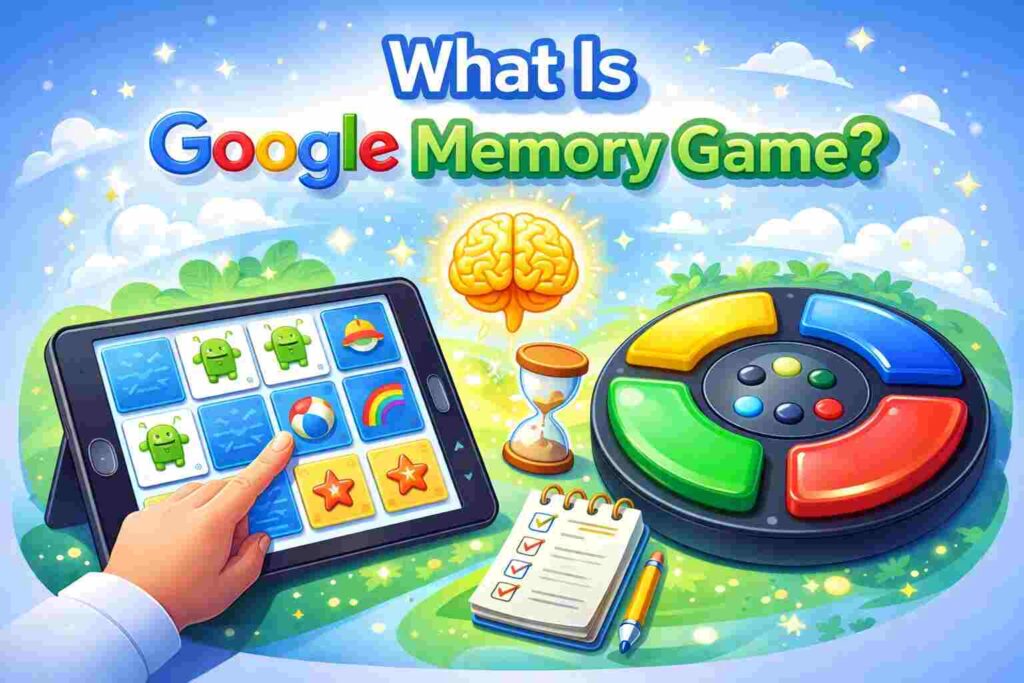
At its core, Google Memory Game tests working memory. It asks you to hold a visual or audio pattern long enough to use it correctly on the next move.
That sounds basic, but performance depends on three measurable skills: attention control, pattern recognition, and error discipline. Strong players do not guess better. They process cleaner.
Why the SERP causes confusion
Search results bundle multiple interpretations under one keyword. That creates a weak user experience and lazy content.
A useful article fixes that immediately. It tells readers which version they are playing, how that version works, and what advice actually applies.
How to Play Google Memory Game on Any Device
On desktop, open the game and play one low-pressure round first. That round tells you whether the design rewards speed, sound recognition, position memory, or all three.
On mobile, be more deliberate. Smaller screens increase input mistakes, especially in sequence versions where one wrong tap ends the run.
Common issues that hurt performance
Muted sound destroys sequence play. Check device volume, browser permissions, and silent mode before you start.
Lag is another hidden problem. If the game stutters, your timing becomes unreliable and your score stops reflecting actual skill.
Rules, Scoring, and What Counts as a Good Run
In card matching, the goal is to clear pairs with as few wasted flips as possible. A good run is not just fast. It is efficient.
In sequence play, scoring usually improves when you maintain clean inputs under rising pressure. One rushed action can wipe out a solid round.
What strong players do differently
Average players react to whatever appears. Strong players use a system.
They divide the board into zones, track repeated positions, and pause briefly before committing a move. That short pause often saves more points than raw speed creates.
Tips to Improve Your Score Fast
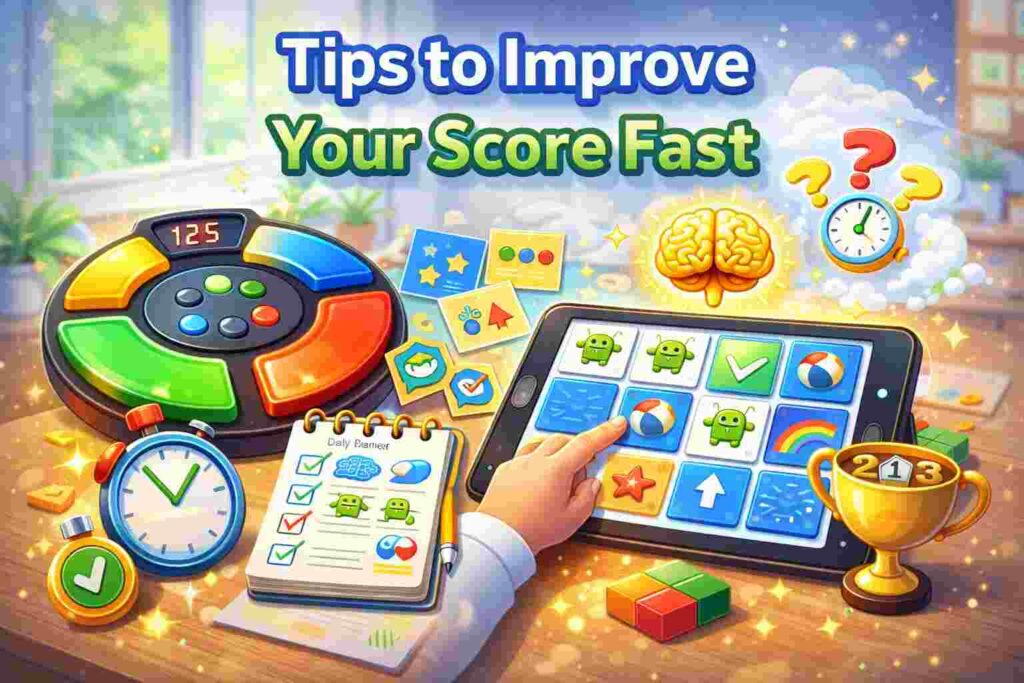
First, use chunking. In sequence play, store a pattern as smaller groups instead of trying to remember every input as a separate unit.
Second, use board mapping in card matching. Mentally split the grid into sections so each reveal has a fixed location anchor.
Third, control your pace. Fast mistakes cost more than slow accuracy.
A practical training routine
Play one warm-up round without caring about score. Then play three serious rounds while tracking only one metric: avoidable errors.
This works because focused correction beats mindless repetition. When errors drop, scores usually rise.
Is Google Memory Game Good for Your Brain?
Yes, but keep the claim precise. It can help users practice short-term recall, attention, and pattern handling inside the task.
It should not be marketed as a miracle cognitive upgrade. The honest benefit is better game-specific performance and sharper focus during short sessions.
Best session length
Keep sessions to 10 to 15 minutes. After that, fatigue often lowers quality and turns training into careless repetition.
Also Read: Google Block Breaker: How to Play (3 Easy Steps)
Best Alternatives If You Want More Challenge
Choose card-matching alternatives when you want cleaner visual recall practice. Choose sequence-based games when you want pressure, rhythm, and longer pattern retention.
Match the game to the goal. Quick wins favor matching. Harder score progression favors sequence play.
Conclusion
Google Memory Game earns attention because it is simple, fast, and honest. You get immediate feedback, progress, and a clear reason for every mistake. If you choose the right version, stay disciplined, and use the recall methods in this guide, your results improve quickly. That gives users what matters most: less confusion, stronger focus, and better scores they can measure.
FAQ
Is Google Memory Game free?
In most cases, yes. Most versions run directly in a browser without payment.
Is Google Memory Game safe for kids?
Usually yes, but stick to reputable pages. Avoid sites loaded with ads or distracting pop-ups.
Can you play without downloading anything?
Yes, most users can play instantly in a browser on desktop or mobile.
