

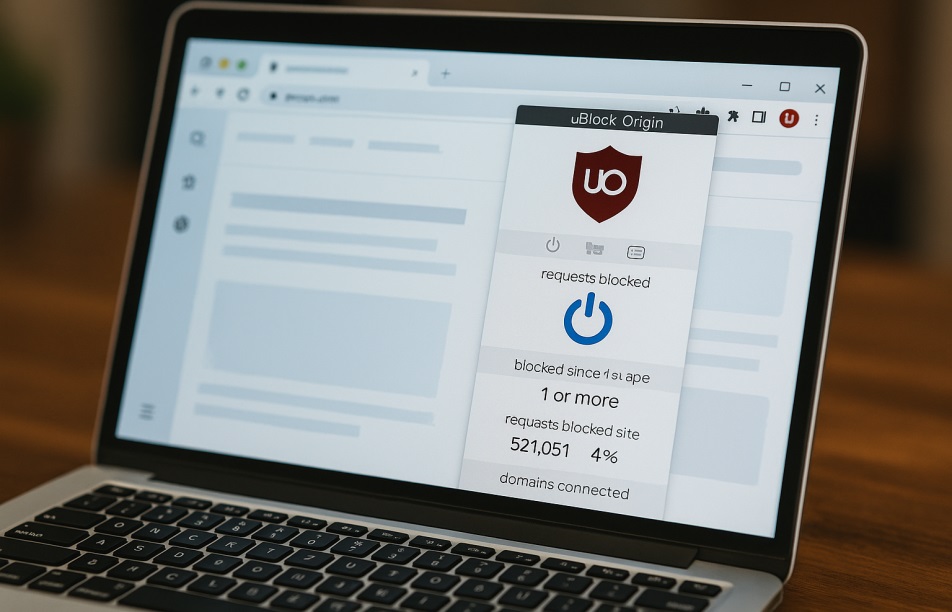
If you’re tired of slow loading times, intrusive ads, and privacy concerns, you’ve probably heard of ublock origin. It’s not just another ad blocker—it’s a powerful, user-friendly tool loved by millions for being fast, free, and open-source. But does it really deliver everything it promises? In this detailed review, we’ll unpack exactly what makes ublock origin stand out, whether you’re using it casually or professionally.
What Exactly is uBlock Origin?
In simple terms, ublock origin is an adblocker extension designed to block annoying ads, pop-ups, and trackers. Originally created by Raymond Hill, it’s maintained by a dedicated open-source community, making it consistently reliable and trustworthy. Unlike other similar tools, ublock origin isn’t heavy on resources—it’s quick, lightweight, and effective.
Also Read: RecoveryFox AI: Recover Lost Windows Data in 4 Easy Steps
Speed and Performance
One standout feature of ublock origin is speed. Some ad blockers can slow down your browser, but ublock origin chrome or Firefox extensions are optimized for speed. Web pages load significantly faster because this tool blocks unnecessary scripts and ads. With less clutter and quicker load times, your browsing experience becomes smooth and enjoyable.
Free and Open Source
Being completely free makes ublock origin attractive to everyone. There’s no hidden subscription cost, premium tiers, or annoying pop-ups asking for donations. But what’s even better is its open-source nature. This means anyone can examine its code for security issues or improvements. This transparency boosts its credibility significantly and fosters a community-driven spirit.
Ease of Use
Another reason users love ublock origin is simplicity. After a quick installation from the browser’s web store, it starts working immediately. It features an intuitive interface with clear options, allowing even first-time users to adjust settings comfortably. You can enable or disable ublock on specific sites with just one click, giving you total control.
Privacy Protection
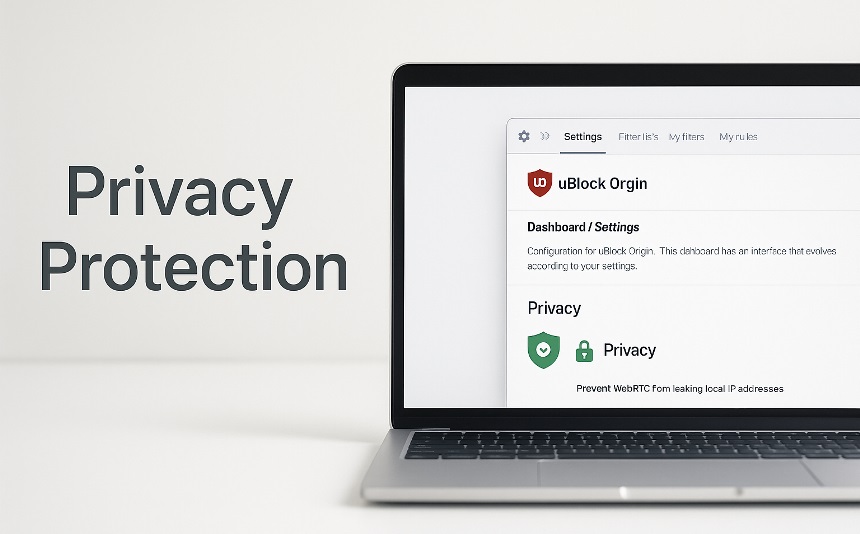
Aside from ads, ublock origin also blocks trackers and harmful malware scripts. Privacy-conscious users find it especially useful since it prevents tracking cookies and scripts from monitoring your online activity. With enhanced privacy controls, you’re free from those unsettling ads following you around the internet.
Compatibility Across Browsers
Whether you prefer using ublock origin chrome, Firefox, Safari, or Edge, you’re covered. Its seamless integration across browsers means you don’t have to compromise your browsing habits. The consistency and reliability of ublock origin across multiple platforms contribute significantly to its widespread popularity.
Resource Efficiency
Unlike many heavy-duty ad-blocking tools, ublock origin is incredibly efficient. It consumes minimal memory and CPU resources, making it ideal even for lower-end computers or mobile devices. This lightweight footprint ensures your device remains responsive even when running multiple tabs or apps simultaneously.
Customizable Features
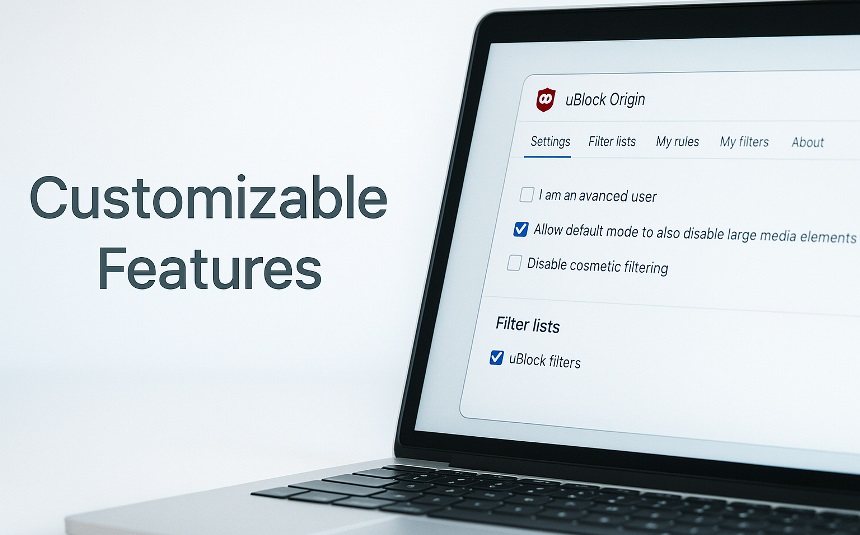
Advanced users will appreciate the customization options available in ublock origin. It supports various filter lists and allows you to create custom rules to enhance your browsing experience further. You can precisely control what elements to block or allow, making your experience highly personalized.
Community and Support
Since ublock origin is open-source, there’s strong community support available. Users can report issues, request features, or even contribute to the code directly through platforms like GitHub. The active community ensures constant updates, bug fixes, and enhancements, keeping the extension robust and reliable.
Downsides?
No tool is perfect, and while ublock origin comes close, beginners might initially feel overwhelmed by the advanced settings. However, this isn’t a major drawback as basic features work flawlessly right after installation. Additionally, certain websites detect ad blockers and may restrict access until you disable it. Thankfully, disabling ublock origin temporarily on these specific sites is straightforward.
Final Verdict
Considering speed, performance, privacy protection, and ease of use, ublock origin clearly emerges as an outstanding choice. Its open-source transparency, combined with zero cost, makes it undeniably appealing. If you’re seeking a reliable, lightweight, and highly efficient ad blocker, ublock origin should be at the top of your list.
FAQs
Q. Is uBlock Origin safe to use?
Answer: Yes, ublock origin is safe, open-source, and regularly updated by a community of developers, ensuring robust security and privacy protection.
Q. Can uBlock Origin work on mobile devices?
Answer: Yes, ublock origin supports browsers like Firefox on Android. However, due to limitations, some mobile browsers might not fully support it.
Q. Does uBlock Origin slow down browsing speed?
Answer: No, ublock origin actually improves browsing speed by blocking unnecessary scripts and ads.
Q. How do I install uBlock Origin on Chrome?
Answer: Simply search for ublock origin chrome extension in the Chrome Web Store and click ‘Add to Chrome’ to install.
Q. Can I disable uBlock Origin on certain websites?
Answer: Yes, with a single click on the extension’s icon, you can disable ublock temporarily or permanently for specific websites, giving you full control.
